
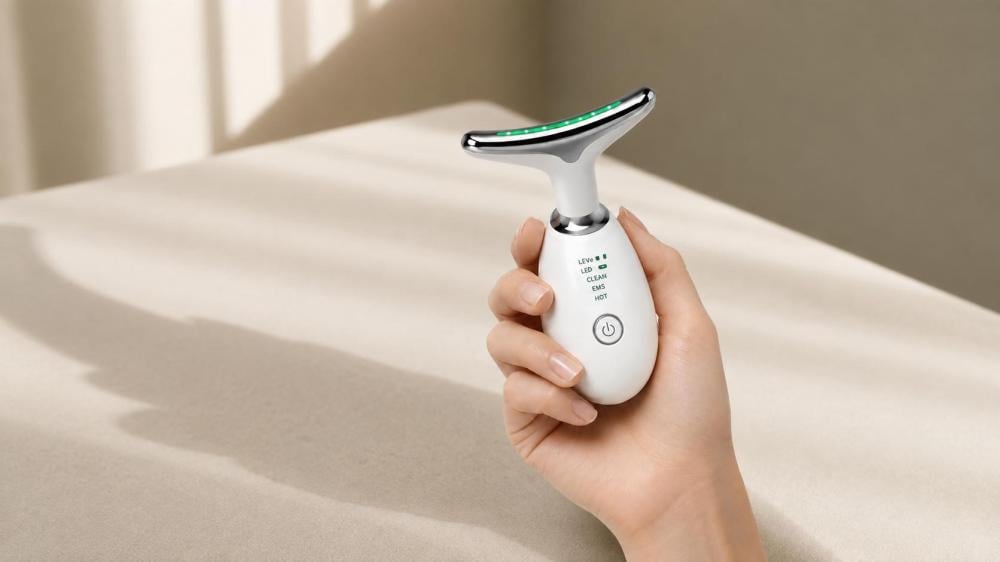
How to Use a Skincare Device at Home: Step by Step
At-home skincare devices can make it easier to add a structured facial massage step to your daily routine without making the process long or complicated.
However, correct use does not depend on selecting the highest setting or extending the session. It starts with cleansing the skin, choosing a suitable setting, moving the device gently, and cleaning and storing it correctly after use.
In this guide, you will learn how to use a skincare device at home, how to move it across the face, and which precautions and common mistakes to keep in mind.
Quick Summary
For a clear and organized routine:
- Remove makeup and cleanse the skin thoroughly.
- Pat the skin dry until it is clean and dry.
- Turn on the device and begin with the lowest suitable setting.
- Move the device gently and evenly without applying excessive pressure.
- Follow the session duration stated in the device guide.
- Turn off the device and clean the area that touches the skin.
- Apply White Hills Cream after the session according to the product directions.
The device manual and product instructions remain the primary reference for settings, session time, and approved application areas.
What Do You Need Before Starting?
Prepare the following items in a clean and comfortable area:
- White Hills skincare device.
- A clean, soft towel.
- A mirror with clear lighting.
- A cleanser suitable for your skin type.
- White Hills Cream for use after the session.
- The device manual, especially during first use.
Preparing everything in advance helps you complete the routine calmly and reduces unnecessary contact with the device during use.
Before Using the Device for the First Time
Do not begin the session before reading the instructions included with the device.
Check the following:
- The device is sufficiently charged.
- You understand the power controls.
- You know how to change the settings.
- You know the recommended session duration.
- You know which areas are suitable for use.
- The device head is clean and undamaged.
Do not use the device if any part appears damaged.
Avoid using it on broken, inflamed, or severely irritated skin. Consult a healthcare professional before use if you have an ongoing skin condition or have recently undergone a cosmetic procedure.
Step 1: Cleanse the Skin
Begin by removing makeup, sunscreen residue, oils, and previously applied skincare products.
Use a gentle cleanser suitable for your skin type, then rinse well and pat the skin dry with a soft towel.
Avoid rubbing the skin aggressively. The aim is to begin with skin that is:
- Clean.
- Dry.
- Comfortable.
- Free from cuts and visible irritation.
Cleansing also reduces the transfer of residue and impurities to the surface of the device.
Suggested image placement:
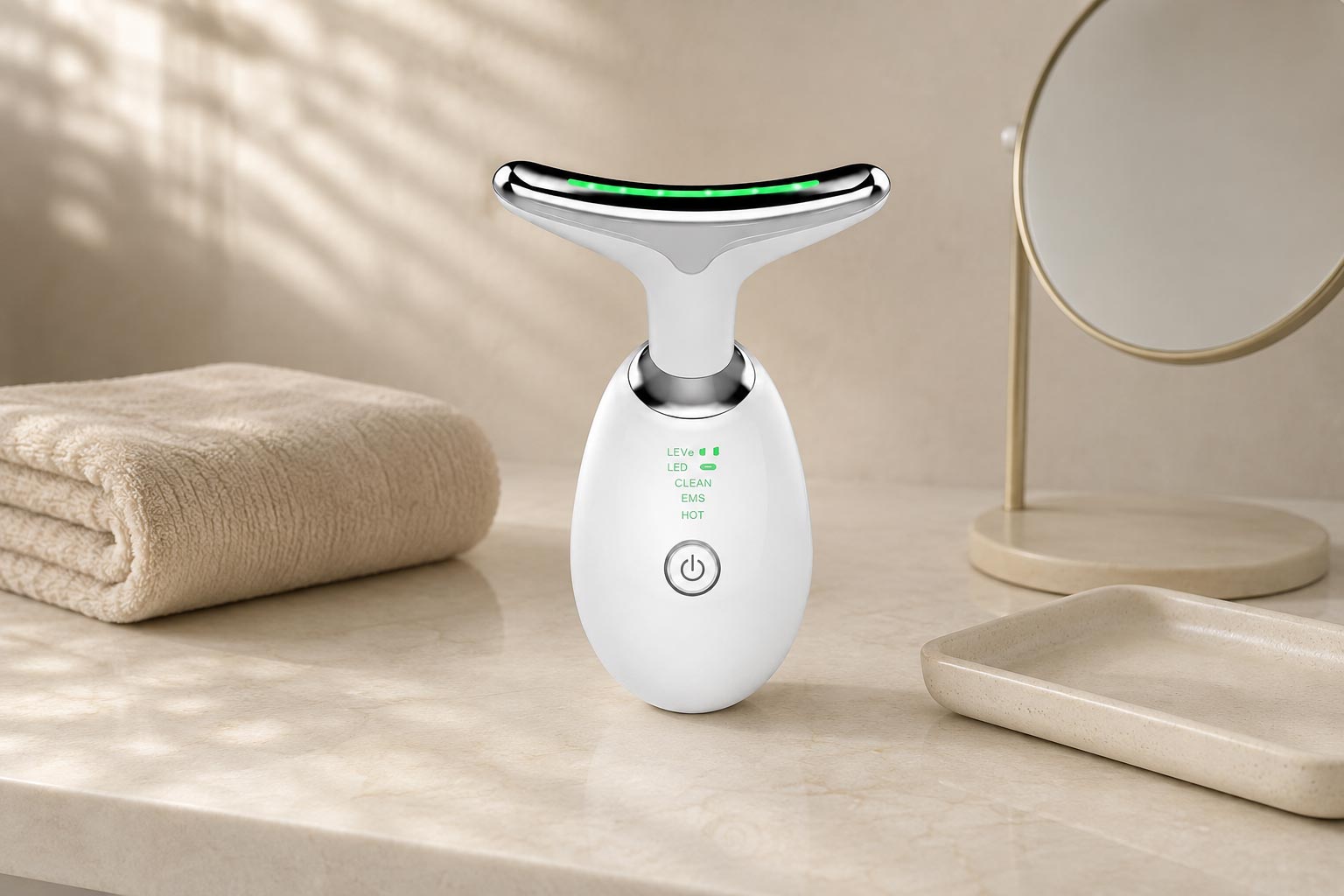
Preparing the skincare device before starting an at-home facial routine.
Step 2: Turn On the Device and Select a Setting
Turn on the device and begin with the lowest suitable setting, especially during the first session.
Do not start at the highest level simply because the device offers several intensity options. A stronger setting does not necessarily provide faster or better results.
You may test the device on a small area first, then assess how the skin feels before continuing with the rest of the face.
The sensation should remain comfortable. Stop immediately if you experience pain, unusual burning, or clear discomfort.
Step 3: Divide the Face into Sections
Divide the face into smaller areas instead of moving the device randomly.
The session may be organized into:
- Jawline and chin.
- Cheeks.
- Forehead.
- Neck, only when permitted by the device instructions.
This makes the movement more consistent and reduces excessive repetition over the same area.
Step 4: How to Move the Device Across the Face
Move the device slowly using gentle, even motions.
Do not press it firmly against the skin, and do not hold it in one spot for an extended period.
Jawline and Chin
Start at the center of the chin and move toward the side of the face.
Keep the motion gentle and slightly upward without pulling or pressing the skin.
Cheeks
Start near the nose and move outward toward the ear.
Repeat calmly while staying away from the immediate eye area.
Forehead
Start at the center of the forehead and move toward both sides.
Use minimal pressure, especially near bony or sensitive areas.
Neck
Use the device on the neck only when this area is specifically approved in the instructions.
When permitted, use light movements and avoid pressing on the front of the neck or any sensitive area.
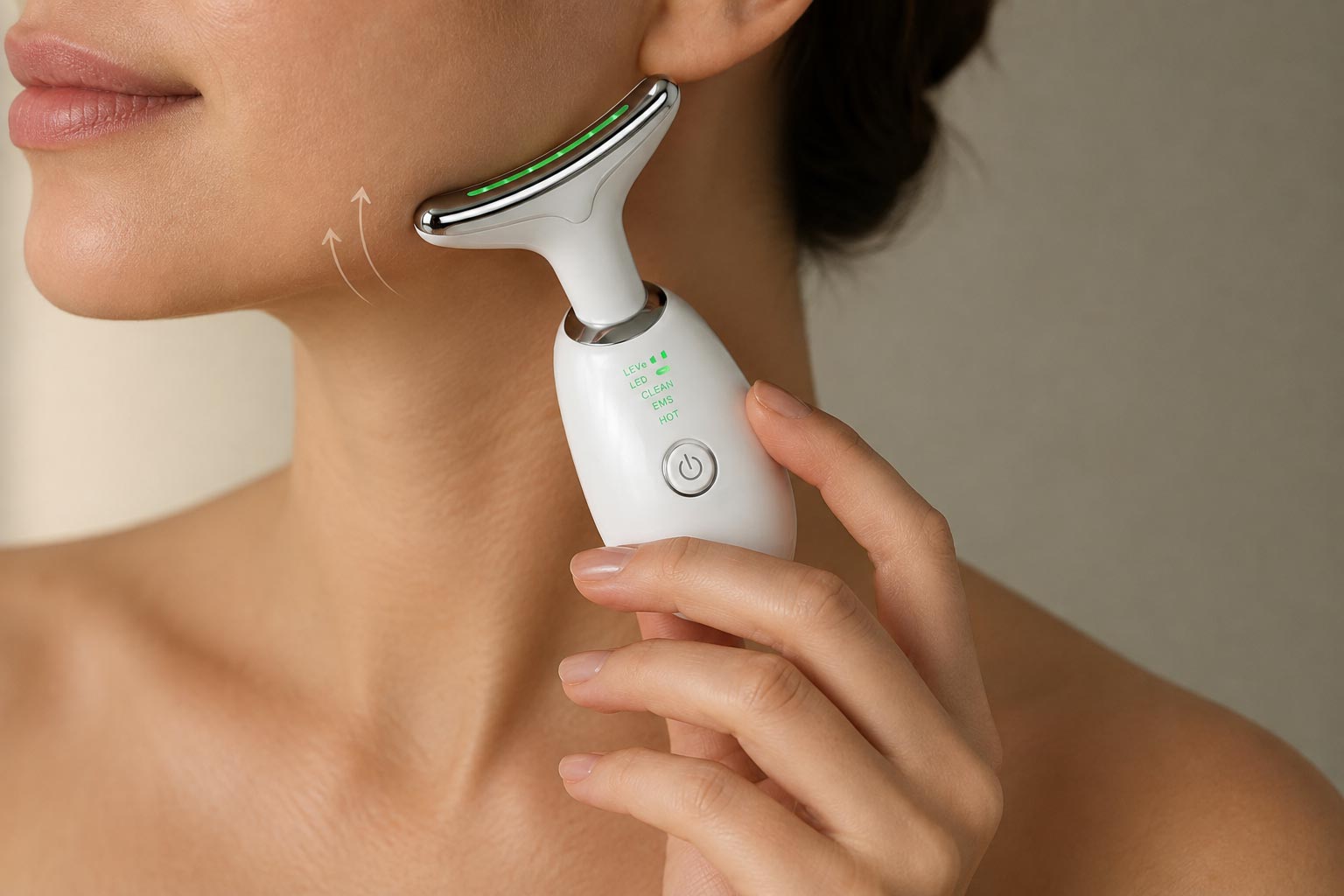
How to move a facial massage device along the jawline and cheeks using gentle, controlled motions.
Step 5: Follow the Recommended Session Time
Session duration varies according to the device technology and selected setting.
Do not rely on a general time found online. Follow the duration stated in the device manual.
Avoid:
- Extending the session to speed up results.
- Passing repeatedly over the same area.
- Using the device more often than recommended.
- Increasing the intensity too quickly.
Moderate, consistent use is more suitable than long or intensive sessions.
What Should You Do After the Session?
After the recommended time:
- Turn off the device.
- Disconnect it from charging if applicable.
- Check the skin for unusual irritation.
- Continue with the next step of the routine gently.
- Apply White Hills Cream according to its usage instructions.
In the White Hills routine, the device is used first on clean, dry skin, followed by White Hills Cream after the session.
The correct order is:
Cleanse the skin → Use the device → Apply White Hills Cream
Avoid combining several strong products or exfoliating steps in the same routine, especially during first use.
How to Apply White Hills Cream After the Device
After completing the device session, apply an appropriate amount of White Hills Cream to the desired area.
Begin with a small amount and add more only when needed.
Spread the cream gently and avoid:
- The eye area.
- Cuts and scratches.
- Inflamed or irritated skin.
- Highly sensitive internal areas.
Leave the cream on according to the product instructions, then rinse with lukewarm water if required.
Do not rub the skin aggressively while applying or removing the cream.
Can the Device Be Used Directly with the Cream?
According to the White Hills routine, the device should be used first on clean, dry skin, followed by White Hills Cream after the session.
Do not apply the cream to the device or use the device over the cream unless both the device guide and product instructions clearly permit this method.
How to Clean the Device After Use
Cleaning the device is an essential step after every session.
Follow these steps:
- Turn off the device.
- Wipe the area that touched the skin with a clean, soft cloth.
- Follow the cleaning method stated in the user guide.
- Do not immerse the entire device in water.
- Do not use harsh cleaners or abrasive materials.
- Allow it to dry before storing.
- Keep it in a clean, dry place.
Do not use the device again before cleaning it, especially if it has come into contact with skincare residue.
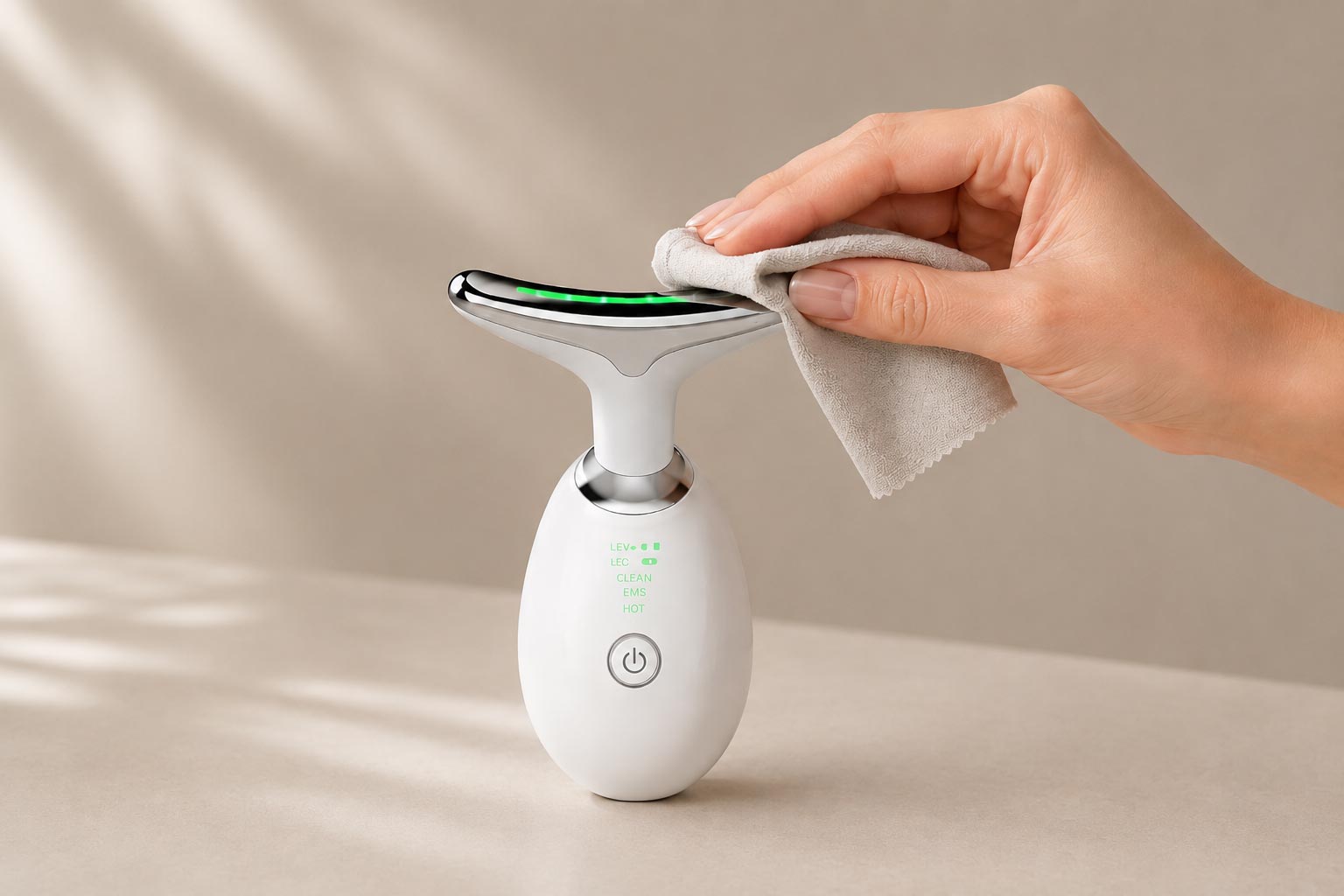
Cleaning the surface of a skincare device after use with a soft, clean cloth.
How Often Can the Device Be Used?
The correct frequency depends on the device technology, settings, and official instructions.
Therefore:
- Follow the device manual.
- Begin gradually.
- Use the lowest setting at first.
- Monitor the skin’s response.
- Avoid excessive use.
More frequent use does not guarantee faster results and may increase redness or discomfort for some skin types.
Common Mistakes to Avoid
Using the Device on Unclean Skin
Makeup, oils, and product residue may transfer to the device and make the session less comfortable.
Starting at the Highest Setting
Always begin with the lowest suitable level, especially during first use or when the skin is sensitive.
Applying Excessive Pressure
The device does not require strong pressure. Gentle, controlled movement is more comfortable for the skin.
Holding the Device in One Spot
The device should remain in motion according to its instructions and should not stay over the same area for too long.
Using It Too Close to the Eyes
Avoid the eyelids and immediate eye area unless the device is specifically designed and approved for that purpose.
Extending the Session
Following the recommended duration is more important than increasing the time.
Not Cleaning the Device
Skipping cleaning may allow product residue and impurities to build up on the surface.
Using the Device on Irritated Skin
Do not use it over cuts, inflammation, or severe redness.
When Should You Stop Using the Device?
Stop the session if you experience:
- Noticeable pain.
- Unusual burning.
- Severe or increasing redness.
- Persistent itching.
- Swelling.
- Irritation that does not settle after use.
Gently rinse the skin if needed. If symptoms continue, consult a doctor or pharmacist before using the device again.
Who Should Seek Professional Advice Before Use?
Medical advice may be appropriate in the following situations:
- Pregnancy or breastfeeding.
- An implanted medical device.
- A chronic skin condition.
- A recent cosmetic or dermatological procedure.
- Use of topical medical treatment.
- Persistent allergy or inflammation.
- Uncertainty about whether the device is suitable for your health condition.
The skincare device is intended for cosmetic at-home use and is not a substitute for medical diagnosis or treatment.
Frequently Asked Questions
Is the Device Used on Dry Skin?
In the White Hills routine, the skin is cleansed and dried before using the device.
Always follow the device manual because it is the final reference for the correct method.
Should White Hills Cream Be Applied Before or After the Device?
White Hills Cream should be applied after the device session, not before it.
The order is:
Cleanse the skin → Use the device → Apply the cream
Can the Device Be Used Every Day?
This depends on the official device instructions. Do not use it daily unless the guide permits it. Begin gradually at the lowest setting.
Can the Device Be Used on the Neck?
Only use it on the neck if this area is approved in the device guide. Avoid the front of the neck and sensitive areas.
Should the Device Be Cleaned After Every Use?
Yes. Clean the area that touches the skin after every session according to the device instructions.
Can the Device Be Shared with Another Person?
It is preferable not to share a personal skincare device. If it is shared, follow the manufacturer’s approved cleaning and sanitizing instructions.
Final Usage Summary
For a more organized at-home session:
- Cleanse the skin and remove makeup.
- Pat the skin dry.
- Begin with the lowest suitable setting.
- Divide the face into smaller areas.
- Move the device gently and consistently.
- Avoid applying excessive pressure.
- Follow the recommended session duration.
- Turn off and clean the device after use.
- Apply White Hills Cream after the session.
- Stop use if unusual irritation occurs.
The skincare device is also available as part of the White Hills Complete Package, which combines the device with three White Hills Cream jars for a more organized at-home routine.